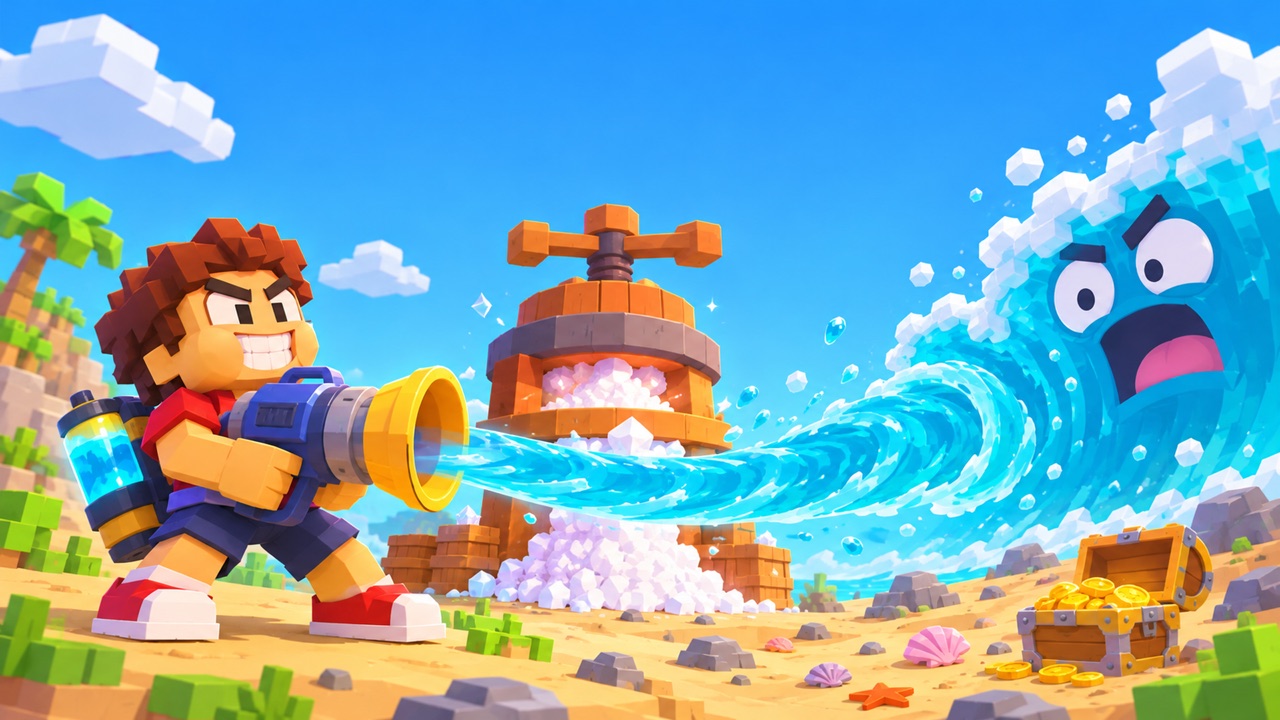
What is Drink the Ocean Game?
Drink the Ocean Game turns an ocean into one very large drinking challenge. In the browser edition on this page, you explore a blocky world in first person, sip water through a straw, and make room for another round by converting that water into salt. Spend the salt on upgrades, then head back to the shore and watch more of the seabed come into view.
This is the single-player edition developed by Pinidi Studio and distributed through Playgama. It runs in your browser. The name also appears on other games, so the controls and advice below are specifically for the version you can play here.
How to play Drink the Ocean Game
- Start at the shore. Select Play Drink the Ocean above, then choose Let's Play if the provider asks. Once the game opens, walk to the water and use the drink action. On a computer, move with WASD, look with the mouse, and click to drink. On a phone, use the on-screen controls and hold DRINK.
- Turn a full belly into salt. When you cannot take in more water, move under the PRESS. It converts the water you collected into salt. This step gives you room to drink again and supplies the currency for upgrades.
- Visit the blue SHOP pad. Spend your salt on increased capacity, extra straws, or other tools. Read the choices available in your current run before spending. A bigger belly and a stronger drinking setup solve different problems.
- Return to the ocean. Repeat the loop and explore the areas exposed as the water drops. The shipwreck, whale skeleton, and sunken city give you something to look for while you work toward the bottom.
- Reach the plug. Once you have drained far enough, the plug at the ocean floor lets you move on to another ocean. The game includes unusual liquids such as cola, lemonade, slime, and lava.
Keyboard, mouse, and touch controls
| Control | Action |
|---|---|
| WASD | Move around the world |
| Mouse | Turn your view |
| Left click | Drink through the straw |
| Space | Jump |
| 1, 2, 3 | Switch tools |
| T | Return home |
| E | Open the duck's gifts |
| P | Open settings |
| Tab | Release the mouse pointer |
| Hold DRINK on touchscreens | Drink using the mobile interface |
Click inside the game before using keyboard controls. If your mouse seems trapped in the ocean view, press Tab to release it and reach the page buttons. The Fullscreen button beside the player gives the game more room; on a small screen, landscape orientation leaves more space for the world and controls.
Upgrades: what to pay attention to
The useful upgrade is the one that addresses what is slowing you down. If you spend most of your time walking back with a full belly, consider capacity. If you have room to spare but each trip collects little water, look at the drinking tools available in the shop. This is a way to judge your current situation, rather than a claim that one purchase order is always best.
The documented upgrades include a bigger belly, extra straws, a mouth vacuum, and a pocket whirlpool. Keep checking the shop as your run progresses. Prices and availability are shown in the game, so use those values rather than an old price list. The Sky Duck also offers gifts, and the game tracks achievements during play.
Explore as the sea gets lower
Draining water changes where you can walk and what you can see. Take a look around between upgrades instead of watching only the currency counter. Landmarks on the seabed make the progress visible, and returning to a familiar spot can help you notice how much water has disappeared. When you reach the bottom, follow the game's plug interaction to continue.
Which Drink the Ocean version are you looking for?
The browser game above uses salt, the PRESS, and the blue SHOP. Those are useful clues that you are following the right instructions. It is a single-player game by Pinidi Studio.
The Mana edition of Drink the Ocean is a different experience. Its official page describes a desktop browser game for one to four players, with treasure that you sell to a merchant for better straws. If the video you watched showed friends collecting treasure together, use that official page to find the matching version.
Drink The Ocean For Brainrots on Roblox is another separate game. Roblox instructions, codes, and purchases do not apply to the player on this page. This site does not provide a Steam download or represent any of these developers.
If the game is slow or will not load
Give the game time to finish its initial download. A connection that loads a text page quickly can still take longer to load a 3D game. If the player stays blank, refresh once, try a current browser, and close other demanding tabs. Check whether your network permits Playgama content; access can differ between networks.
You can also check the game's page on Playgama to see whether the same problem occurs there. If it does, the issue may be with the game provider or your connection. If only this page fails, tell us the device, browser, and what happened through our contact page. Do not send passwords or account details.
This site cannot guarantee saved progress or transfer a run between devices. The embedded game controls its own storage. Avoid clearing site data during a run, and check the game's own behavior before relying on a save. You can learn more about the site and its game sources on our about page.
Talk about your ocean
What did you uncover, and which upgrade helped? Share a tip for the next player.
No comments yet. Tell us about your first discovery.